
Desktop vs Cloud Accounting: A Practical Comparison for Indian SMEs in 2026
Desktop accounting software has served Indian businesses for decades. But cloud accounting offers things a desktop install simply can't - here's an honest side-by-side.
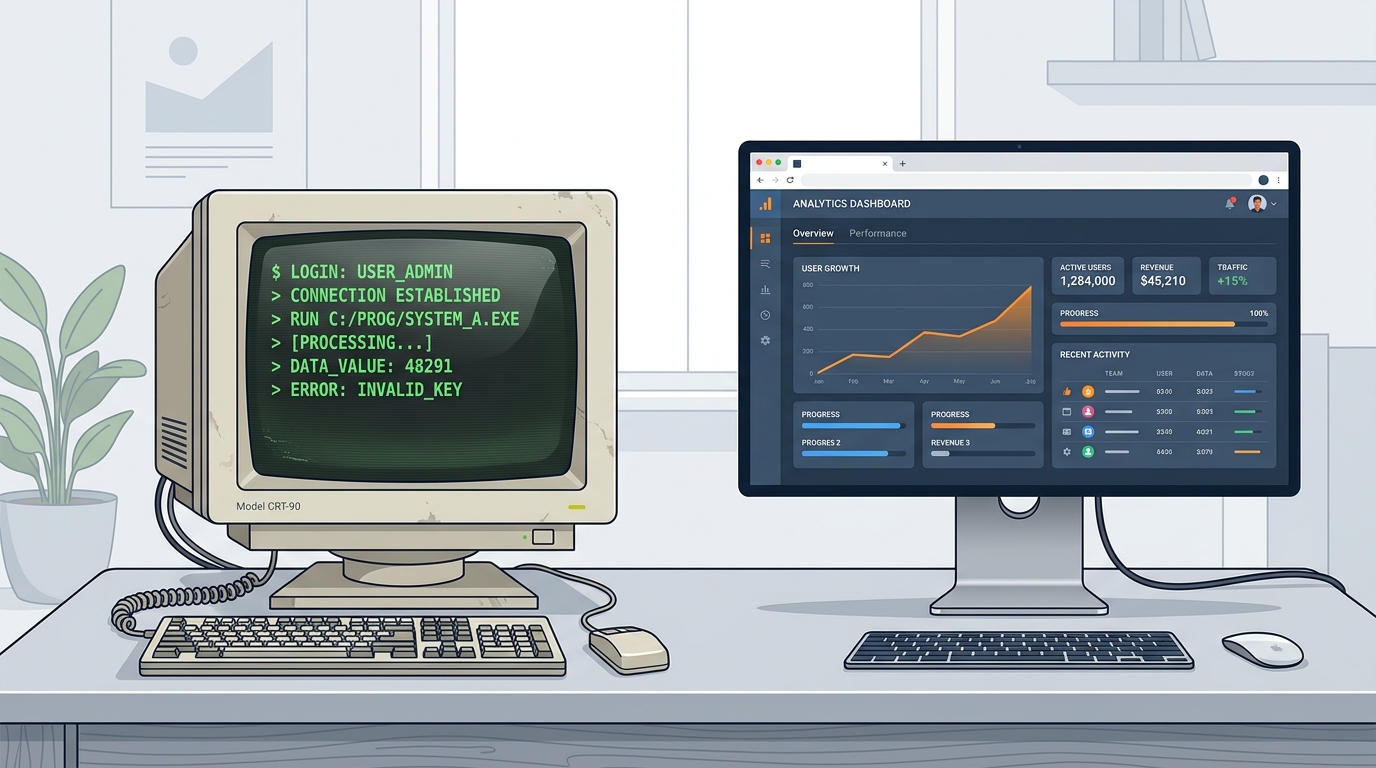
Desktop accounting software has earned its place. For a generation of Indian businesses it was the first real accounting system, and it still does the core job well. But the way businesses work has changed - teams are distributed, owners want numbers on their phone, and GST compliance happens with every invoice, not once a quarter.
This is not an argument that desktop software is bad. It's an honest comparison to help you decide what fits your business in 2026: a proven desktop install, or a cloud platform like ABSS Books that also carries a built-in CRM.
TL;DR
- ✓Desktop software runs on one PC; cloud accounting runs in any browser and on mobile
- ✓Cloud platforms like ABSS can bundle a CRM - most desktop packages have no sales pipeline
- ✓Both can handle Indian GST; ABSS generates E-Invoice and E-Way Bill inside the product
- ✓Moving to the cloud uses the Ledger and Item exports you already have
The Core Difference: Where Your Books Live
Desktop accounting software is installed on a Windows PC. To use it remotely or across a team you usually buy a multi-user licence and add either a local server or a remote-desktop hosting subscription. ABSS Books is cloud-native - you log in from Chrome, Safari, or the mobile app on any device, and everyone sees the same live data.
For a single-location business with one operator, that difference may not matter much. For a growing team - a sales rep in the field, an accountant at the office, an owner travelling - it changes daily work entirely.
Feature-by-Feature
| Capability | Cloud (ABSS Books) | Typical Desktop Software |
|---|---|---|
| Access | Any browser, Mac, Windows, mobile | Windows PC (remote desktop for access elsewhere) |
| Multi-user | Included with role permissions | Extra licence + server setup |
| Built-in CRM | Yes - leads, quotations, visits | Usually no |
| E-Invoice & E-Way Bill | Generated inside ABSS | Often needs add-ons or the GST portal |
| Backups | Automatic cloud backup | Manual local backup |
| Updates | Automatic, no reinstall | Download and install each release |
Where Desktop Software Still Wins
Desktop packages work fully offline, many accountants already know them well, and years of customisation can be hard to walk away from. If your business is stable, single-location, and your accountant is happy, there is no urgent reason to switch.
When to switch
Consider cloud accounting when you add a second location, when your sales team needs a pipeline, when you want owners and CAs to see live numbers remotely, or when manual E-Invoice / E-Way Bill steps are slowing down dispatch.
Moving to the Cloud Without Losing History
Export from your current software
Export Ledgers, Groups, Item Masters, and Opening Balances to XML or Excel.
Import into ABSS
Bulk import brings in your customers, items, opening stock, and opening balances.
Verify and go live
The ABSS team helps you reconcile opening balances so your books match to the rupee before you start.
See How ABSS Books Fits Your Workflow
Book a 30-minute walkthrough and we'll map your exact workflow - migration included.
Keep Reading